Network downtime costs thousands per minute—manual log parsing and tool-switching slow resolution when every second counts.
Automated remote support with guided tech assist cuts repeat truck rolls by 38% and lifts first-time fix by 10 to 15 percentage points, per Bruviti deployment data. For operators, the workflow resolves more remotely and dispatches only when truly needed, with the right diagnosis attached. Fewer return visits means lower field cost on every incident the workflow touches.
Support engineers switch between remote access tools, SNMP monitors, syslog viewers, and ticketing systems to diagnose a single router issue. Each context switch burns time while network availability drops.
Parsing syslog files and SNMP traps manually to identify firmware bugs or configuration errors takes 20-40 minutes per incident. Critical alerts get lost in noise while support engineers search for patterns.
When remote sessions fail to resolve issues, escalating to field service requires manually documenting steps taken, configurations checked, and logs reviewed. Information gets lost in translation.
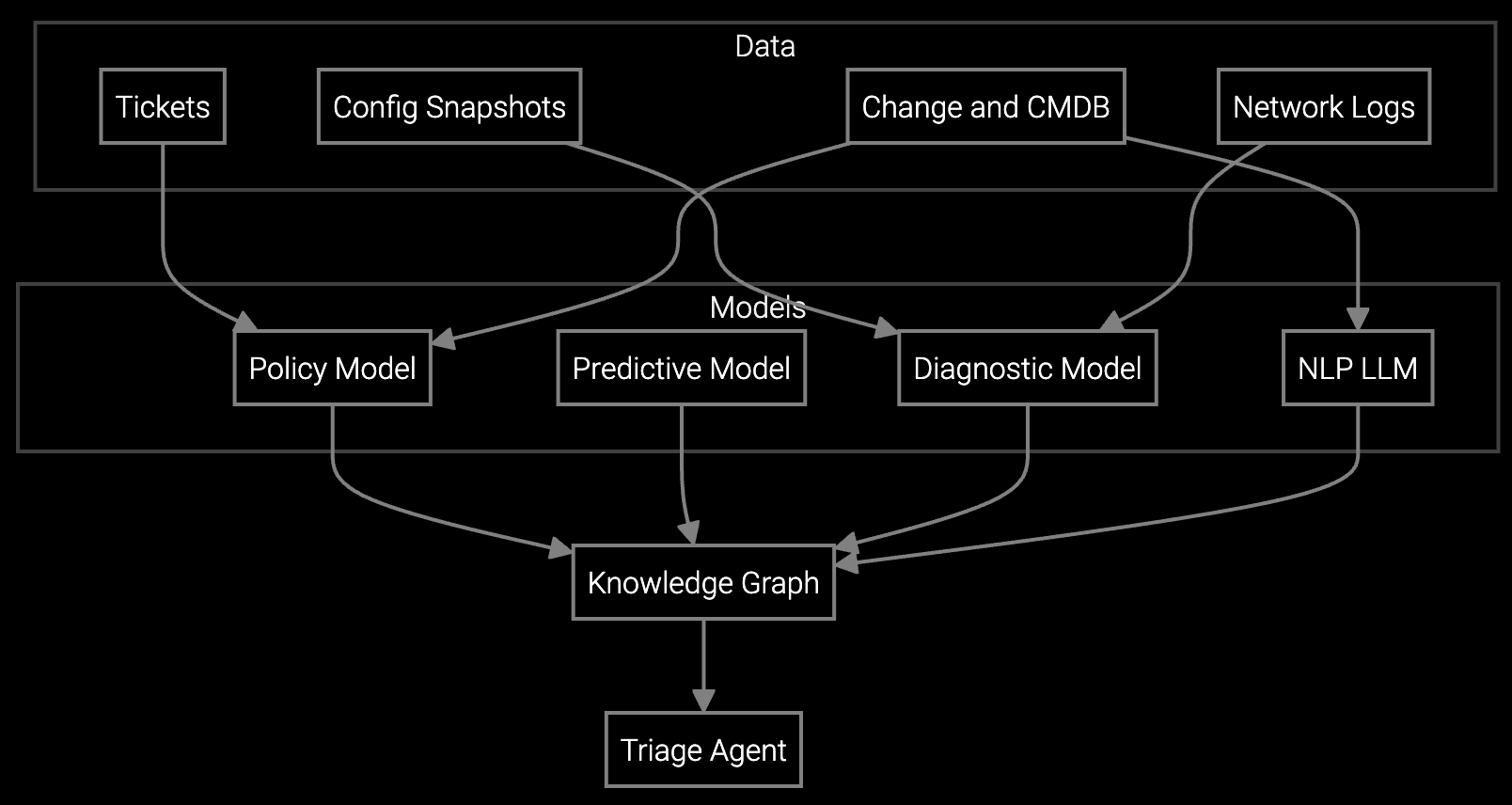
Bruviti consolidates remote support workflows into one interface. Support engineers initiate sessions, review telemetry, and execute diagnostics without switching tools. The platform automatically analyzes syslog streams and SNMP traps in real time, surfacing root causes—firmware CVEs, configuration drift, or capacity threshold breaches—within seconds instead of minutes.
When remote resolution isn't possible, the system auto-generates escalation documentation with full session context, equipment history, and recommended next steps. Support engineers spend time solving problems, not documenting them or searching for information across fragmented systems.
Network equipment OEMs support thousands of routers, switches, and firewalls deployed across enterprise data centers, carrier networks, and remote sites. Remote support engineers handle incidents where five-nines availability is contractual, not aspirational. A firmware bug in a core switch can take down an entire regional network.
Automated workflows parse device telemetry—SNMP traps, syslog streams, NetFlow data—to identify whether issues stem from configuration errors, capacity limits, or hardware failures. Support engineers see synthesized root cause analysis instead of raw log dumps. When escalation to field service is necessary, the system packages full diagnostic context so no information gets lost between remote and on-site teams.
The platform integrates with existing remote access tools, SNMP monitors, and ticketing systems through APIs, presenting unified data in one interface. Support engineers see live telemetry, historical logs, and equipment configurations without leaving the session workspace.
The system automatically generates escalation documentation with full session context—configurations checked, logs analyzed, troubleshooting steps completed, and recommended next actions. Field service teams receive complete diagnostic history, eliminating redundant work.
Yes. The platform ingests firmware documentation, known CVE databases, and historical resolution patterns to interpret device-specific error codes. When new firmware versions introduce unfamiliar codes, support engineers can flag them for knowledge base updates.
Most network equipment OEMs observe session duration reductions within 30 days as support engineers adapt to unified workflows. Remote resolution rate improvements typically emerge over 60-90 days as the platform learns equipment-specific failure patterns.
The platform supports syslog and SNMP standards, enabling telemetry ingestion from routers, switches, and firewalls regardless of vendor. Custom parsers handle vendor-specific log formats, ensuring consistent root cause analysis across heterogeneous equipment populations.
Software stocks lost nearly $1 trillion in value despite strong quarters. AI represents a paradigm shift, not an incremental software improvement.
Function-scoped AI improves local efficiency but workflow-native AI changes cost-to-serve. The P&L impact lives in the workflow itself.
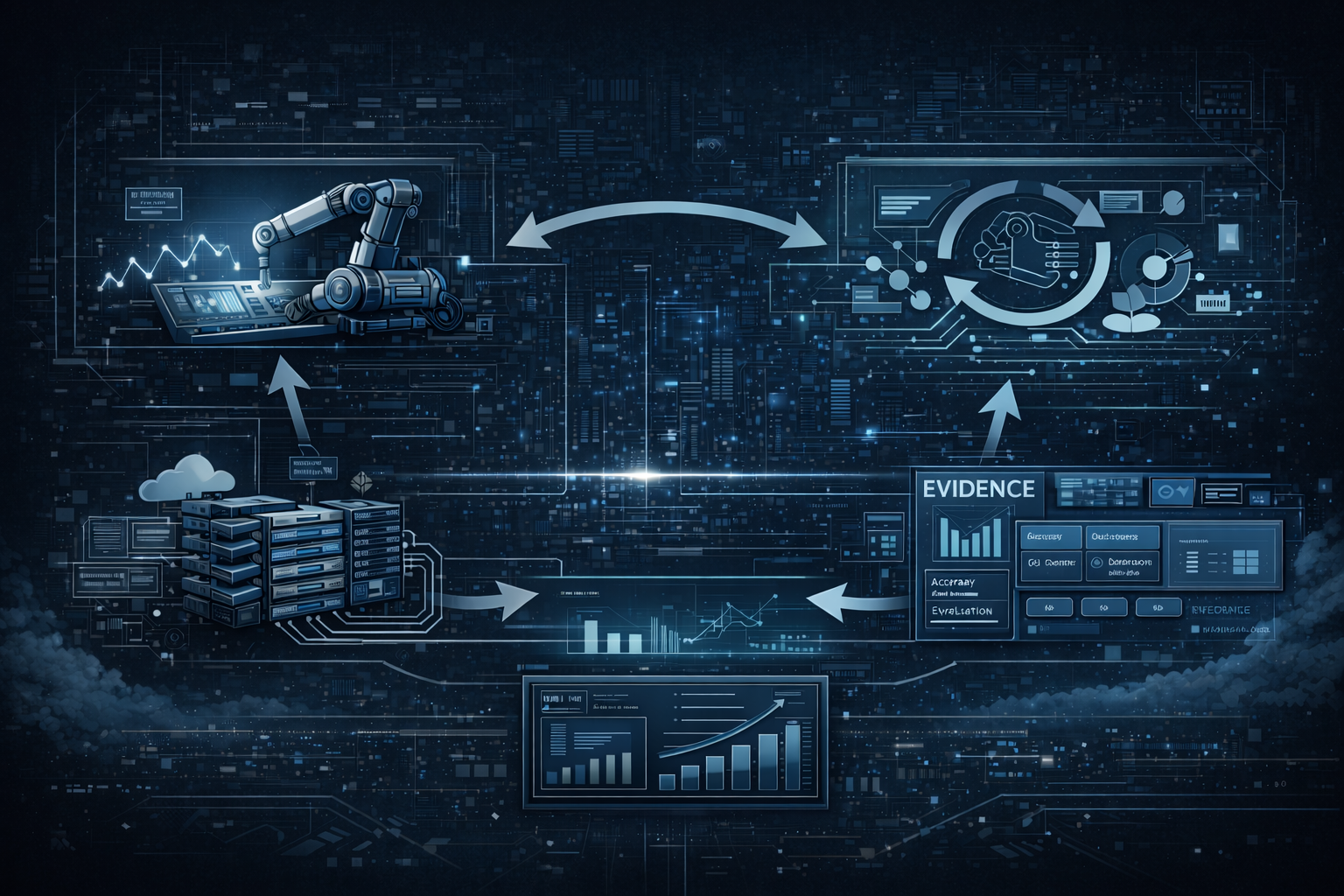
Five key shifts from deploying nearly 100 enterprise AI workflow solutions and the GTM changes required to win in 2026.
Watch how support engineers resolve network incidents without switching tools or manually parsing logs.
Schedule Demo