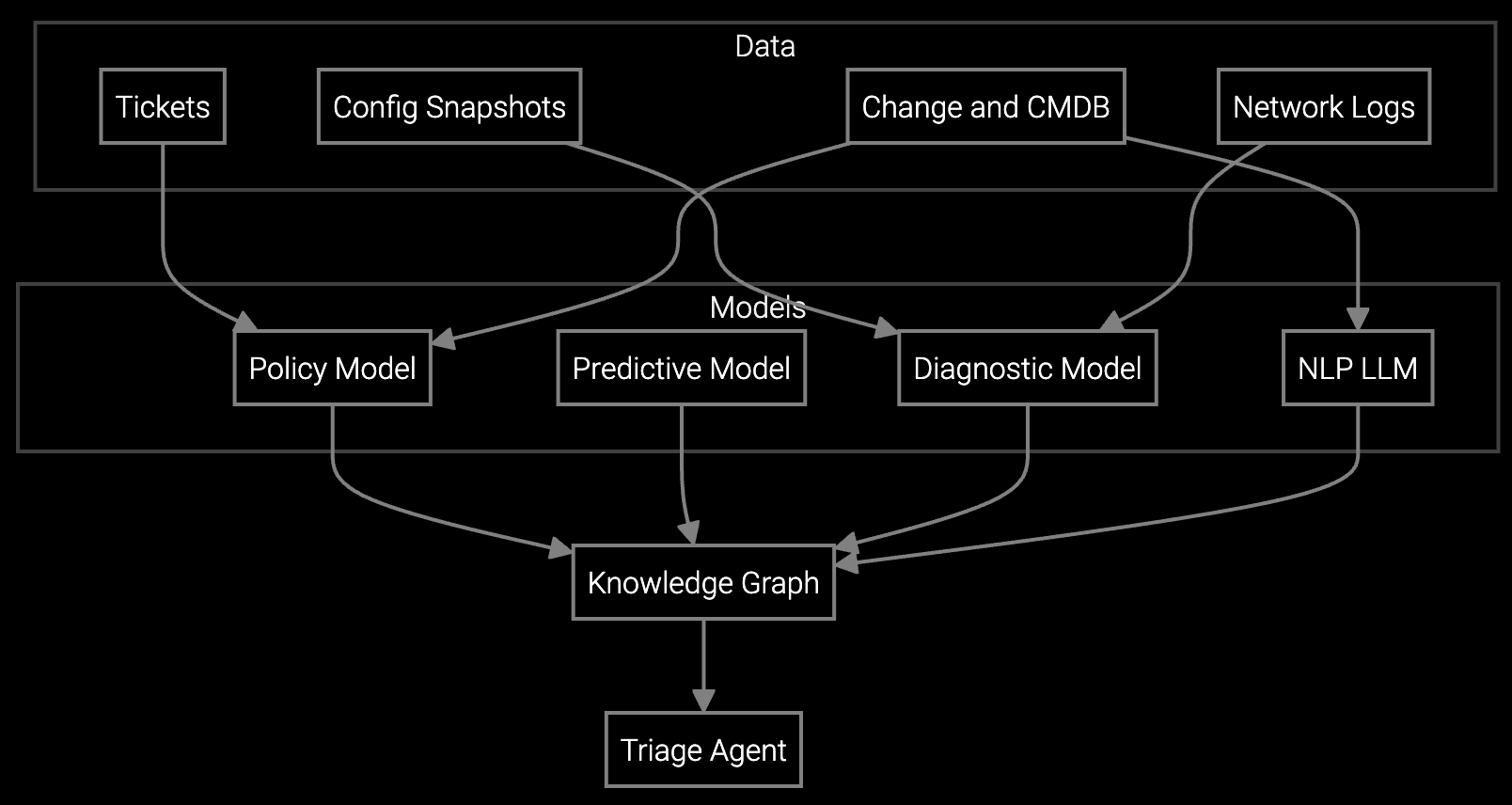
Connected appliances generate repair data faster than support engineers can analyze it manually.
Automated remote support workflows attach top-three ranked causes to at least 70% of incidents at 85% precision, per Bruviti deployment data. Builders chain intake, cause-ranking, and KB lookup into one pipeline so the agent hands a technician a diagnosis-ready ticket instead of a raw symptom to investigate.
Support engineers spend hours manually parsing error codes from connected refrigerators, HVAC systems, and washers. Each product line uses different telemetry formats requiring custom scripts.
When remote sessions escalate to field dispatch, support engineers manually copy-paste session notes into ticketing systems. Critical diagnostic context gets lost in handoff.
Support engineers toggle between remote access software, CRM, parts catalogs, and knowledge bases. Each tool requires separate authentication and has no integration with others.
Bruviti's platform provides REST APIs and Python SDKs that let you build custom automation around your existing remote support stack. Ingest telemetry from connected appliances, parse error codes, and route decisions to your ticketing system—all without replacing your current tools.
The platform handles the heavy lifting of training models on decades of service data across refrigerators, HVAC systems, and kitchen equipment. You write integration code in Python or TypeScript to orchestrate the workflow. Event-driven webhooks trigger actions when resolution confidence crosses thresholds you define, maintaining full audit trails for warranty validation.
Appliance manufacturers deal with IoT telemetry from refrigerators reporting compressor cycles, HVAC systems streaming temperature differentials, and washers logging vibration patterns. Each product line generates different data schemas requiring custom parsing logic.
The platform ingests these heterogeneous streams via a unified API, normalizing error codes and sensor data into a consistent format. Support engineers no longer write bespoke scripts for each appliance type—the API handles schema translation while you focus on workflow orchestration.
Python and TypeScript SDKs are production-ready with full documentation. The REST API accepts standard JSON payloads, so you can integrate from any language. Java and Go SDKs are in beta.
Yes. Webhook events fire when the platform completes log analysis or identifies required parts. Your code receives structured JSON with confidence scores and diagnostic context, then applies your escalation rules. You control when to auto-escalate versus prompt the engineer.
Every API call returns a session ID linking diagnostic steps, parts recommendations, and resolution actions. Your warranty system can query these IDs to reconstruct the complete support interaction for claims validation. Data retention follows your compliance requirements.
No. The platform integrates with TeamViewer, LogMeIn, and proprietary remote tools via API. Telemetry analysis happens in parallel while engineers use familiar access software. You orchestrate handoffs between systems using the SDKs.
Pilot integrations connecting one product line's telemetry stream and ticketing system run in 4-6 weeks. Full production rollout across all appliance types and regional support centers typically takes 3-4 months depending on data governance approvals.
Software stocks lost nearly $1 trillion in value despite strong quarters. AI represents a paradigm shift, not an incremental software improvement.
Function-scoped AI improves local efficiency but workflow-native AI changes cost-to-serve. The P&L impact lives in the workflow itself.
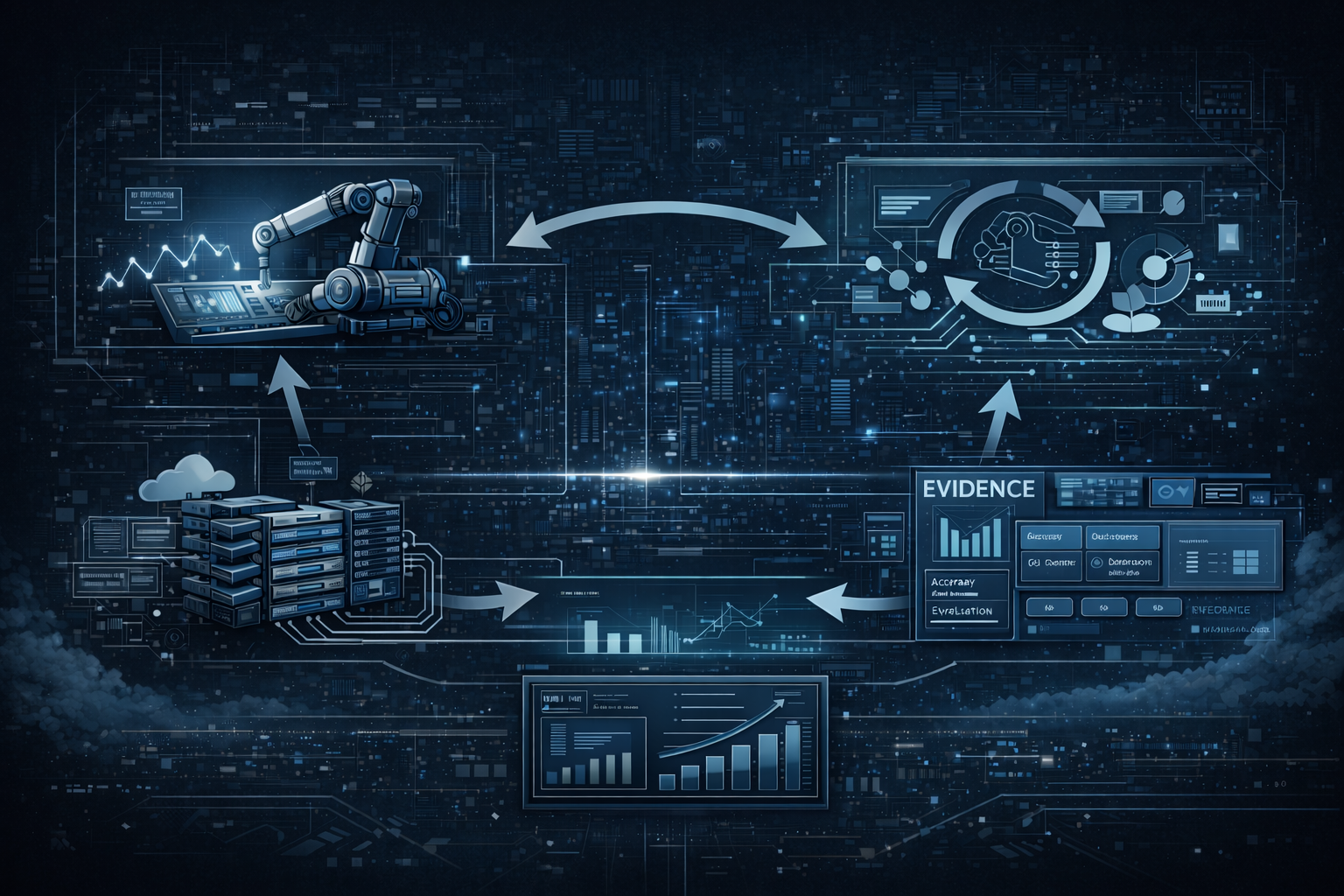
Five key shifts from deploying nearly 100 enterprise AI workflow solutions and the GTM changes required to win in 2026.
Explore API documentation and integration examples tailored for appliance telemetry streams.
Access Developer Portal