
Appliance service teams lose 20+ minutes per case searching legacy systems for part numbers and availability.
Bruviti deployment data shows AI parts search returning matches in under 30 seconds and 85% auto-extraction accuracy from catalogs and blueprints. Appliance service teams set up parts lookup on their existing catalog data, so agents and techs find the right SKU instantly instead of digging through PDFs and spreadsheets.
Service teams toggle between ERP, catalog PDFs, and supplier portals to find correct part numbers. Each lookup interrupts case flow and increases handle time.
When primary parts are out of stock, teams lack visibility into compatible alternatives. This extends case resolution and delays customer repairs.
Discontinued parts remain in legacy systems without clear replacements. Teams order wrong parts or escalate unnecessarily when alternatives exist.
Implementation starts with a read-only connection to your ERP or inventory management system. The platform ingests your SKU catalog, cross-references, and availability data without requiring schema changes. Training uses your historical service cases to learn which parts resolve which symptoms for which appliance models.
The lookup interface embeds directly into your existing service application as a sidebar widget or inline search bar. Your team types a model number, symptom, or partial part description and receives instant results with availability and substitute options. No workflow changes required—the tool fits into current screens and processes.
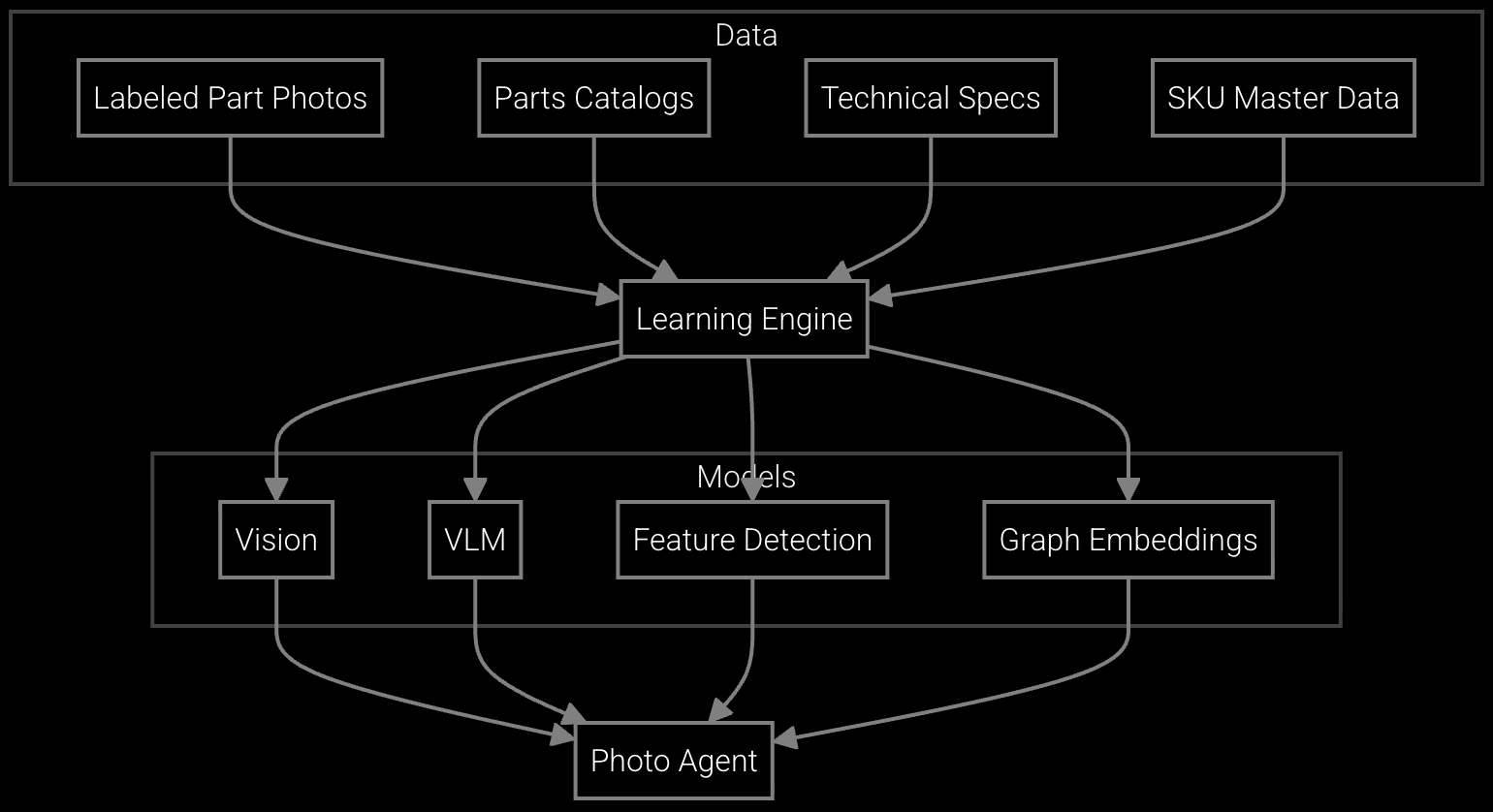
Service teams snap a photo of a failed component and receive instant part number identification with compatibility verification for appliance models.
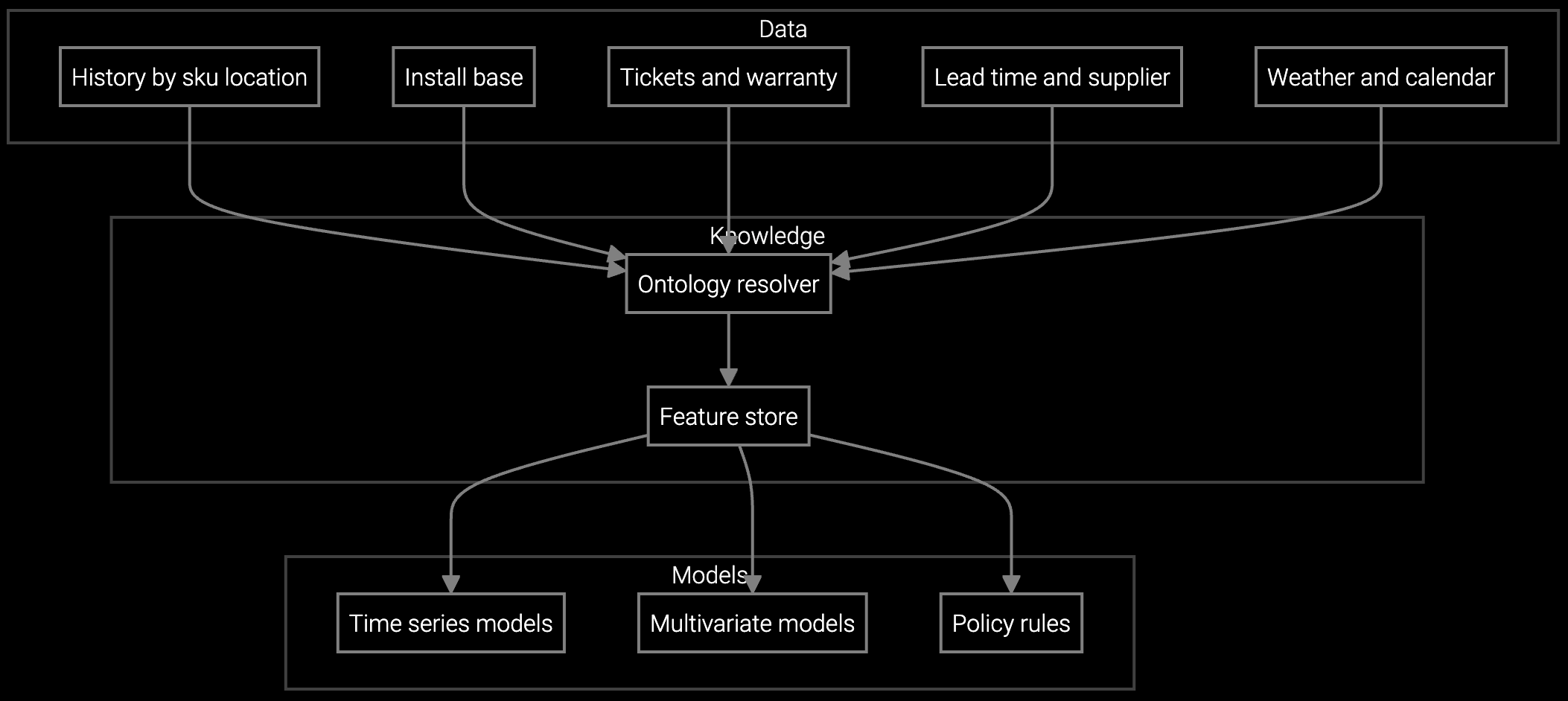
Predict which refrigerator compressors and HVAC components will be needed next quarter based on installed base age and seasonal failure patterns.
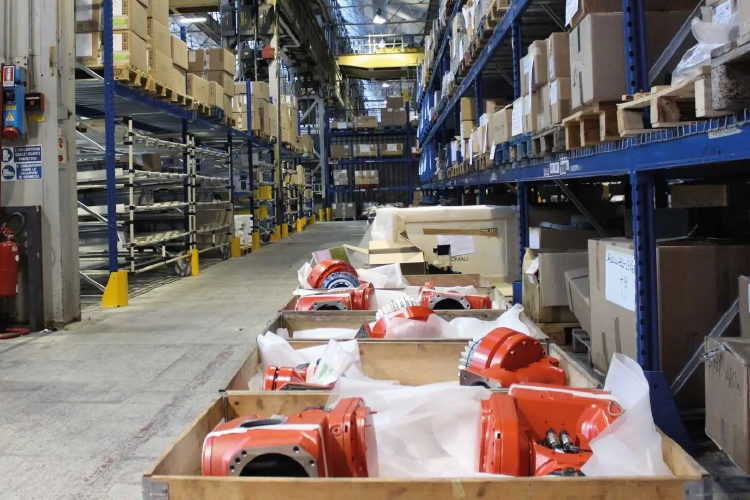
Optimize stock levels for high-turnover parts like door seals and heating elements while reducing carrying costs on slow-moving components.
Appliance manufacturers manage 20-30 year product lifecycles with tens of thousands of SKUs across refrigerators, washers, dryers, dishwashers, and HVAC systems. Legacy models use different part numbering schemes, and mergers create duplicate catalogs that confuse lookup.
The AI training process consolidates these fragmented catalogs into a unified search index. It learns your internal part number variations, OEM supplier codes, and cross-reference tables. Service teams search using any identifier—model number, old part number, or plain language description—and receive accurate results regardless of catalog source.
No. The lookup interface embeds as a widget or sidebar in your current application. Your team continues using familiar screens—the AI tool appears as an enhanced search feature, not a replacement system.
Read-only ERP connections typically complete in 3-5 business days using standard APIs or database views. The platform supports SAP, Oracle, and custom systems. No schema changes or data migrations required.
The training process maps legacy part numbers to current SKUs using your cross-reference tables and historical order data. Teams can search using old or new numbering systems and receive correct current part information.
Yes. The system identifies functionally equivalent alternatives based on specifications, dimensions, and compatibility. When exact replacements don't exist, it suggests the closest match with notes on any differences requiring validation.
Track average lookup time per case, percentage of cases delayed by part availability, and order correction rate. Most teams see lookup time drop from 8 minutes to under 1 minute within the first month of deployment.

SPM systems optimize supply response but miss demand signals outside their inputs. An AI operating layer makes the full picture visible and actionable.
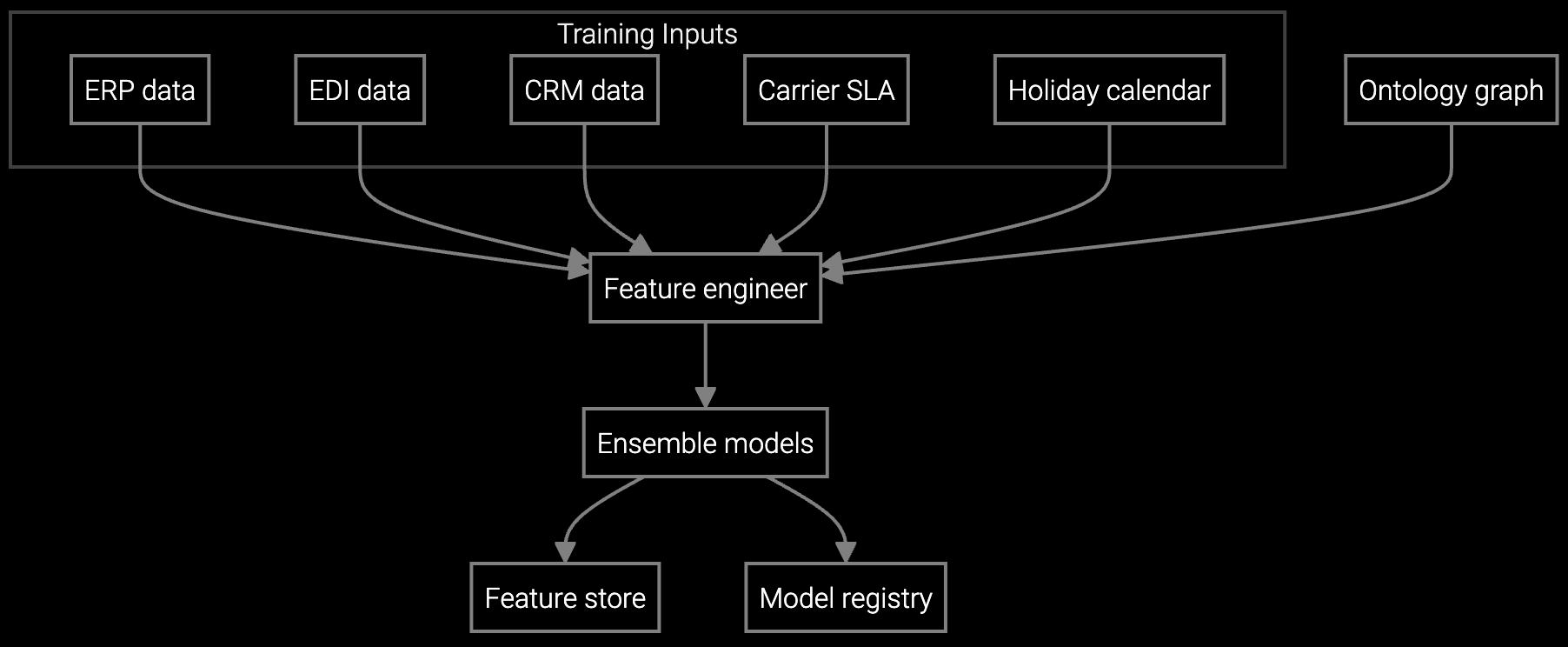
Advanced techniques for accurate parts forecasting.
AI-driven spare parts optimization for field service.
See how Bruviti integrates with your existing systems in a 30-minute technical walkthrough.
Schedule Demo